Material Bank Alternatives for Interior Designers (2026): 7 Platforms Compared
Compare 7 Material Bank alternatives for interior designers: digital 3D sampling, physical swatches, and global access. Find the right platform.
What are the best Material Bank alternatives in 2026?
The best Material Bank alternatives depend on your workflow. For digital-first sampling, there's our own Matterbase, built around 3D material samples. For free physical samples shipped to building professionals, Swatchbox is the closest like-for-like substitute. For deep product research, Architonic runs what it describes as the largest product-and-materials index in the field.
We compared each platform on what actually matters in a working studio: who gets access, where it operates, and how far it takes you from concept to specification.
Quick comparison at a glance
- Matterbase — digital-first sourcing and specification software. Open signup, browser-based, works anywhere. Free to start.
- Swatchbox — physical sample ordering. For building professionals. Free, with 2-day shipping.
- Mattoboard — browser-based concepting tool, now led by AI generation. Free to start.
- Architonic — research and specification index for premium products. Browsable without an account.
- MaterialDistrict — materials-innovation database, 3,200+ materials. Free to explore.
- Material ConneXion — physical materials library plus consultancy. Subscription-gated.
- DesignShop (by Material Bank) — Material Bank's own consumer arm. No trade credentials needed; samples cost money.
How we evaluated these platforms
Full disclosure first: we build Matterbase, and we use it daily. It appears in this list, and you should read that entry knowing who wrote it. We reviewed every other platform through its live site and public documentation in August 2026, with one exception: DesignShop's site blocked every attempt we made to reach it, so that entry rests on its own published pages as archived in March 2026 and on trade-press reporting.
The criteria: library breadth, the sampling model (physical, digital, or 3D), who gets an account and where the service actually operates, how well the platform bridges from board to specification, and what it costs in both money and waiting time.
Why designers look beyond Material Bank
Material Bank is excellent at what it does: 45,000+ materials from 450+ brands, always free for architects and interior designers, shipping included, with advertised next-day delivery. Three hard limits still push designers toward Material Bank alternatives.
First, the trade gate. The platform is, in its own words, exclusively for A&D professionals. Students, consumers, and studios without credentials are out. DesignShop is the company's answer for that group, and it charges for samples.
Second, geography. Material Bank runs a US platform and a separate European platform, and everywhere else sits outside the service footprint. We hit this from Hong Kong in August 2026: materialbank.com redirects us to an international page that returns an error, so the platform is not reachable from here at all. It is part of why Matterbase exists.
Third, the physical loop. Even next-day samples mean waiting, then storing or discarding the box. When you only need to shortlist finishes for an early concept round, shipping physical tiles is a slow way to make a fast decision.
The 7 platforms
1. Matterbase
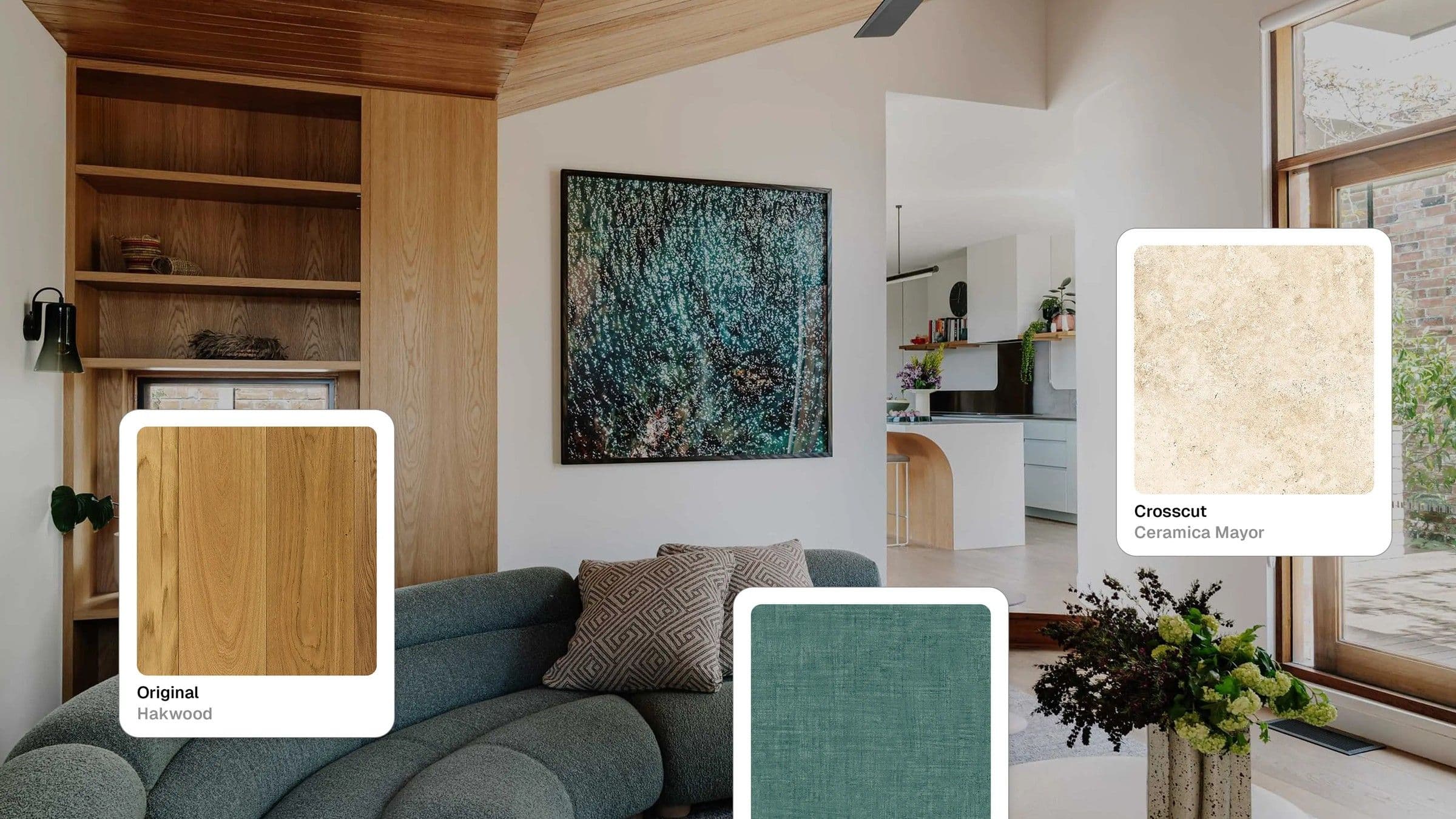
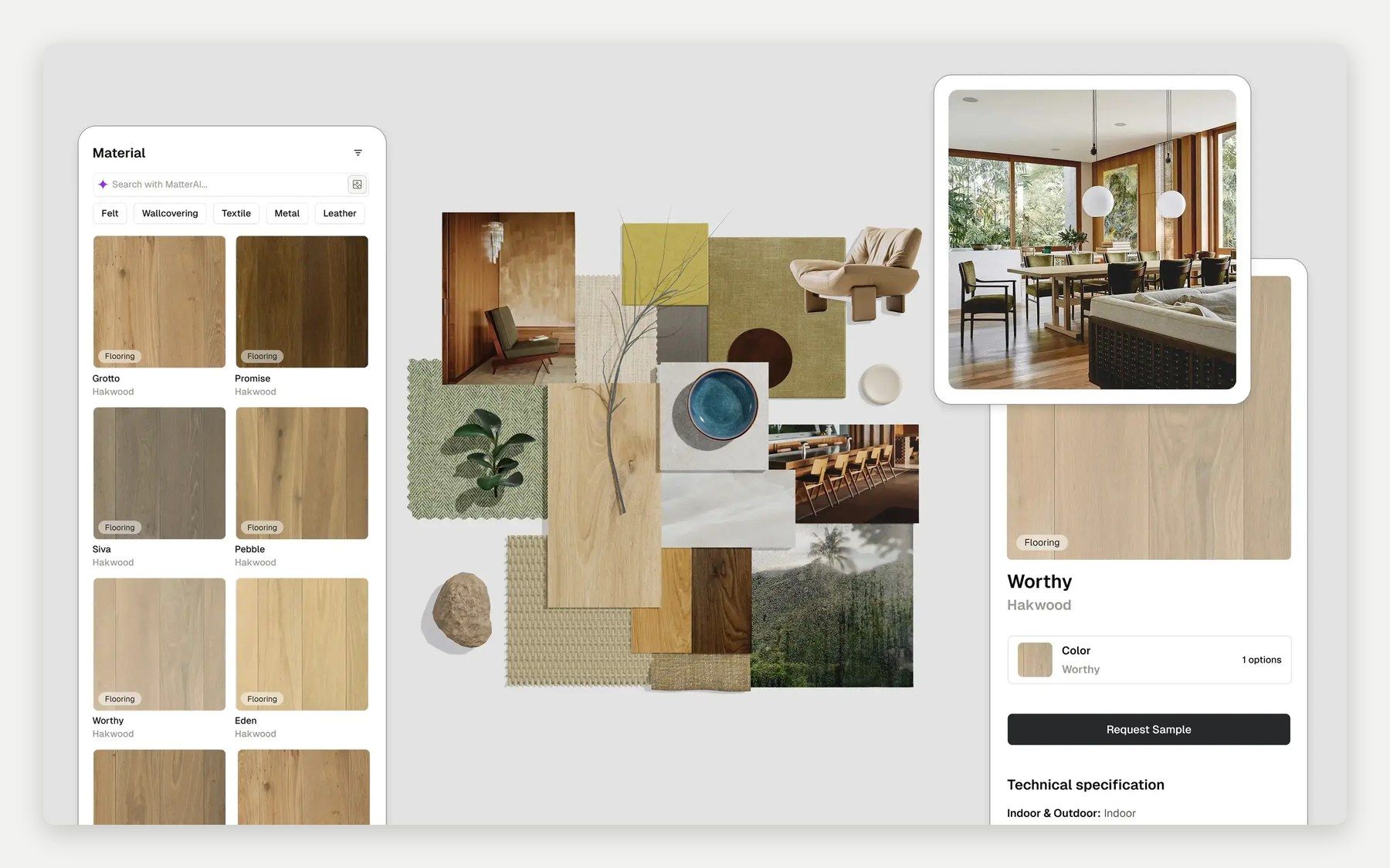
We build Matterbase, so judge this entry accordingly. It is material sourcing and specification software for interior designers and architects. You browse thousands of materials and products spanning materials, furniture, lighting, and hardware from named brands like Hakwood and Interface, then evaluate them as photorealistic 3D samples: adjust light intensity and color temperature, change scale and rotation, and turn on a grid line for sizing reference before you commit to anything. Boards, spec sheets and client presentations live in the one platform.
- Best for: digital-first sourcing, boards, and specification.
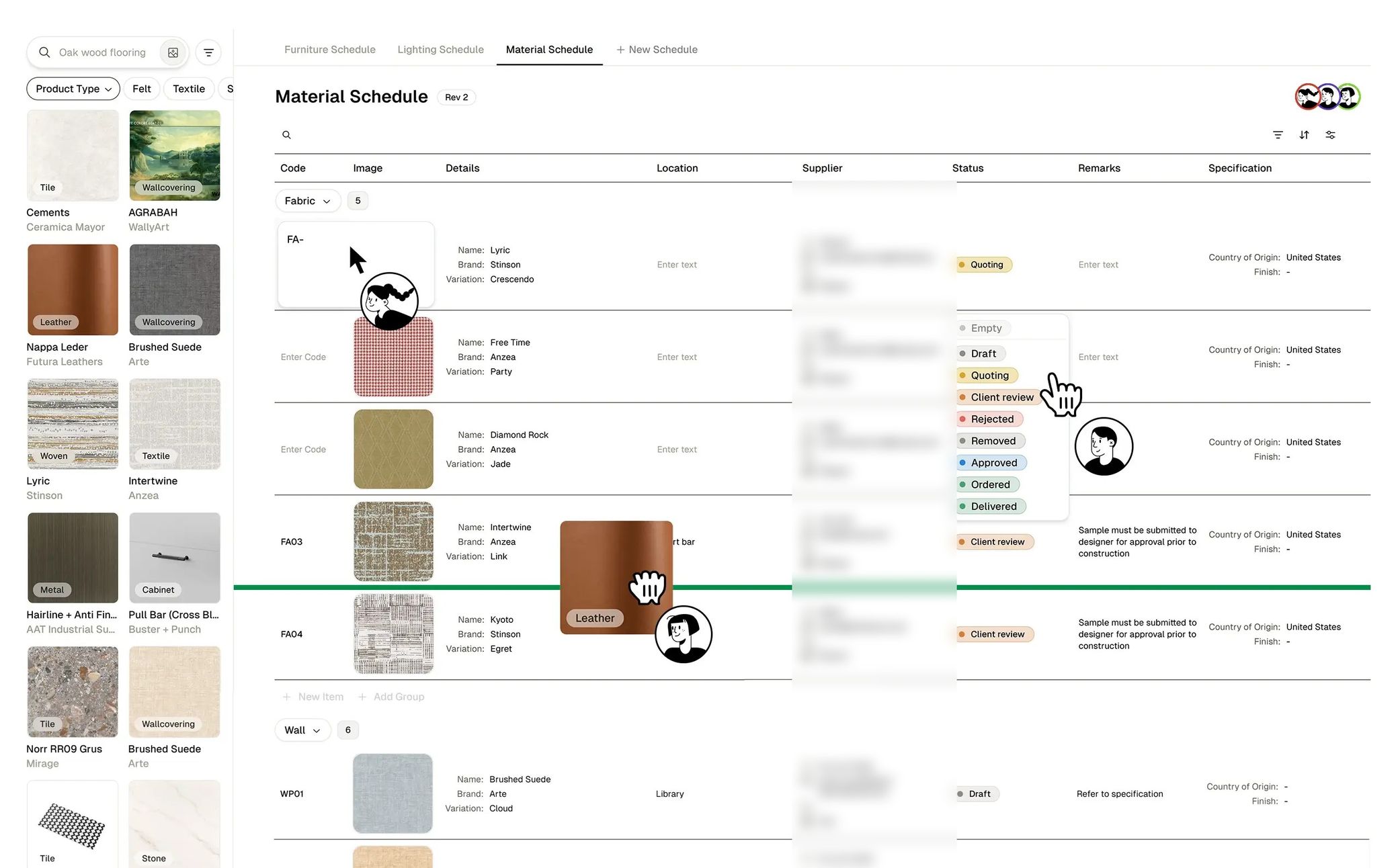
- Key features: Board, with style templates to start from and lockable models for trying compositions against each other; Schedule, which groups items by area and tracks each one from Draft through Quoting and Client review to Ordered and Delivered; and Matter AI, the assistant behind the catalog search.
- Access & geography: open signup, no trade-credential gate, browser-based. Free to start.
- Watch out for: a screen will not tell you how a boucle feels. For final hand-feel and color sign-off, Swatchbox and Material Bank do the job better than we can, and both are free if you qualify for them. Order the last few samples there, and confirm stock and lead times with the supplier directly.
2. Swatchbox
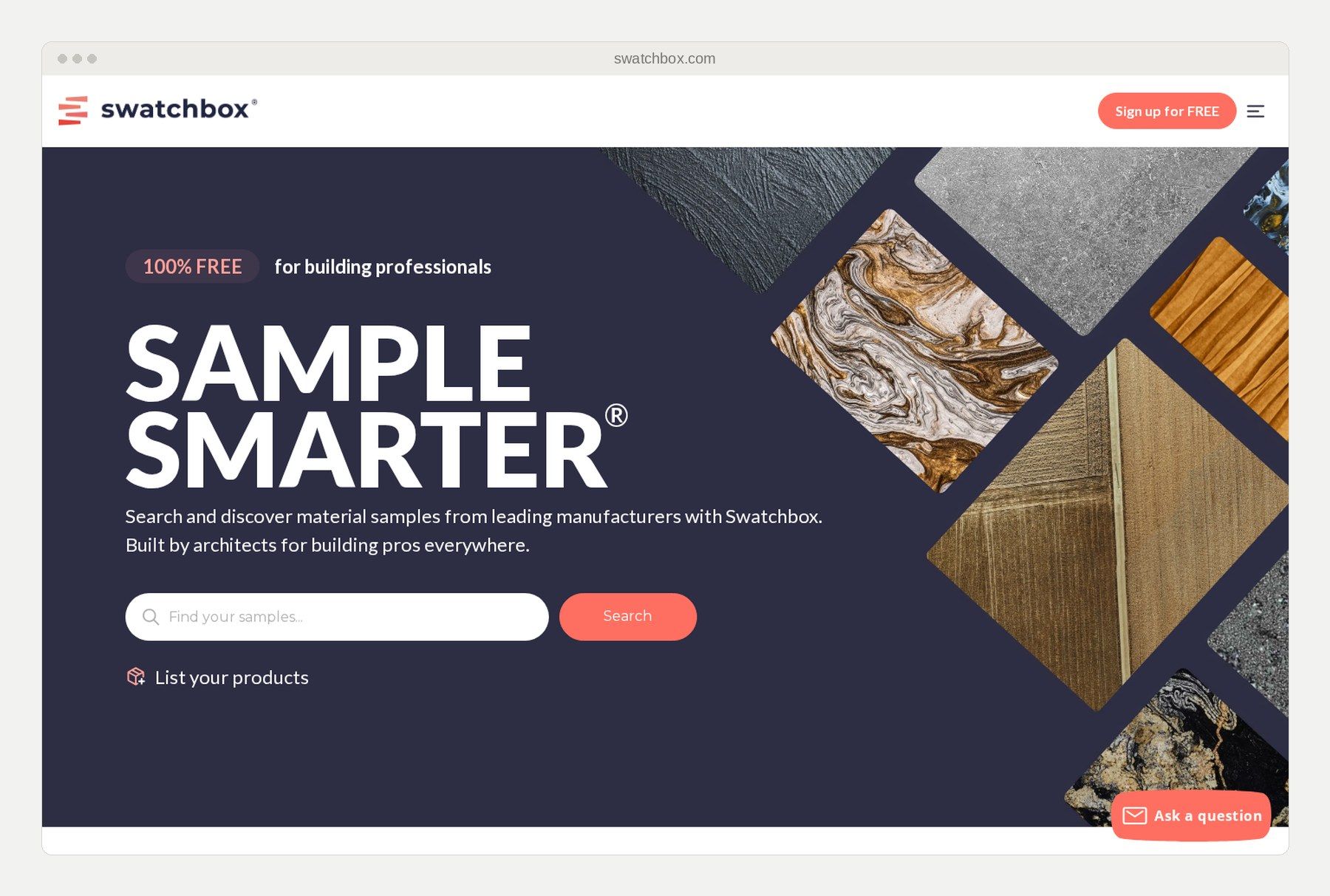
Swatchbox is the nearest match to Material Bank's own model: free physical material samples from leading brands, shipped to building professionals with 2-day delivery.
- Best for: physical swatches on your desk without per-sample fees.
- Key features: aggregated sample ordering across brands, 2-day shipping.
- Access & geography: free, restricted to building professionals; check that it ships to your region.
- Watch out for: you are still in the physical loop. Sampling every colorway during concept exploration means boxes, waiting, and waste.
3. Mattoboard
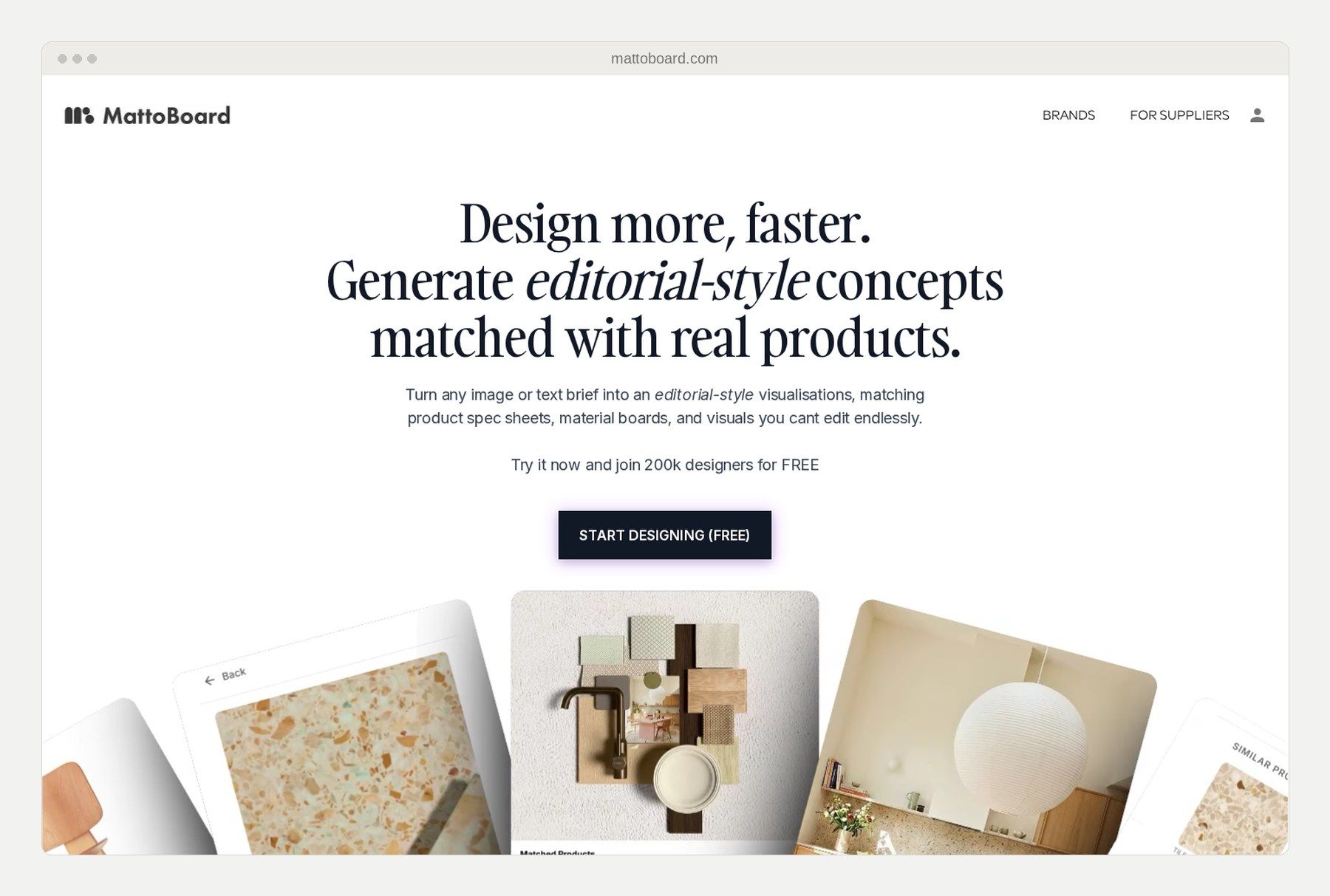
Mattoboard is a browser-based material-visualization tool for designers. When we checked in August 2026 it led with AI generation: turning an image or text brief into editorial-style concepts matched to real products, with material boards and spec sheets underneath.
- Best for: fast visual concepting.
- Key features: AI-generated concepts matched to real products, material boards, and matching product spec sheets.
- Access & geography: browser-based, free to start, with paid Pro plans.
- Watch out for: the specification output is a material sheet with product links rather than a live schedule, so it serves the concept phase more than procurement.
4. Architonic
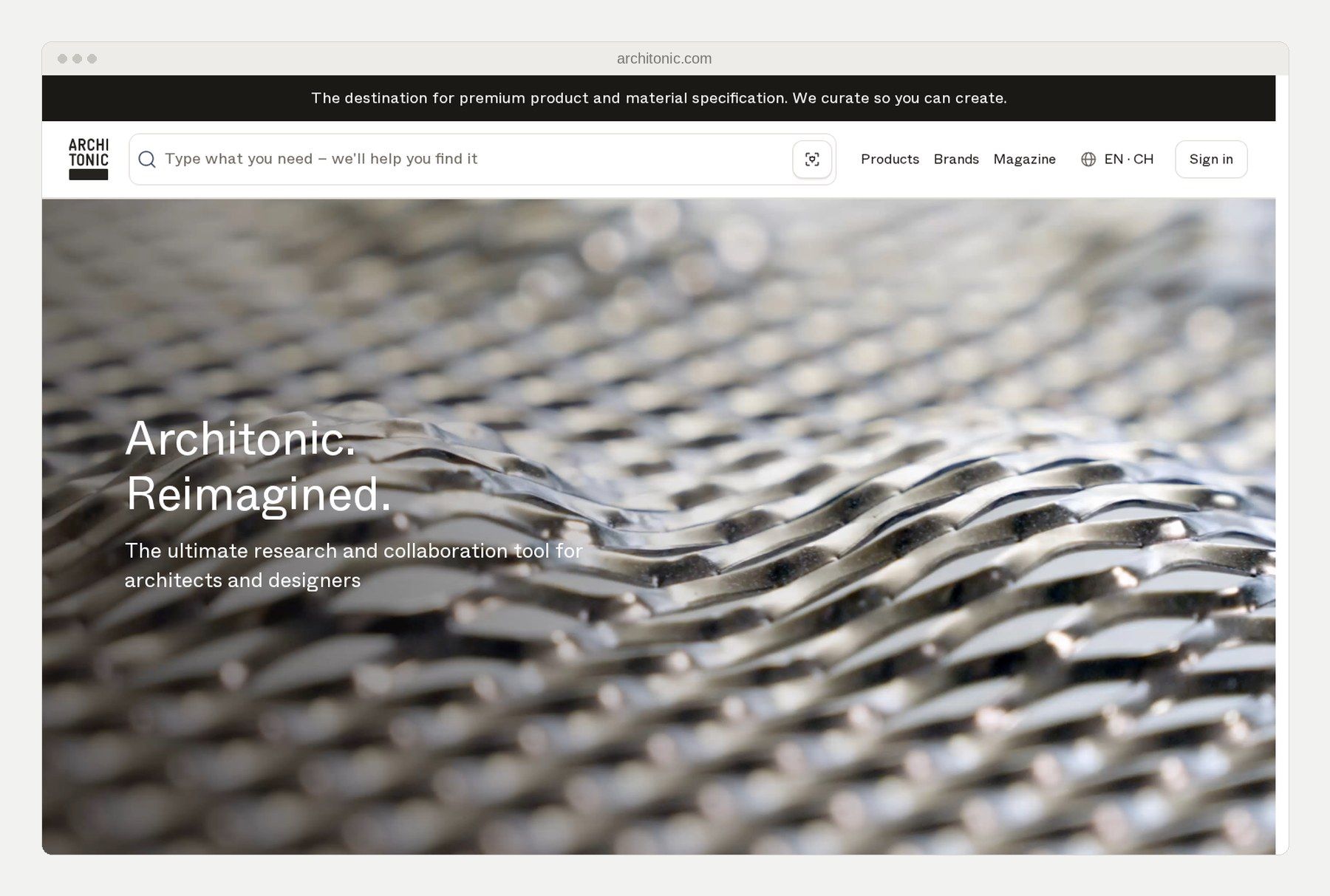
Architonic is a research and collaboration platform for premium product and material specification. The company describes itself as the largest platform for products, materials, and concepts for designers and architects.
- Best for: deep research and discovering premium products.
- Key features: a large searchable index of furniture, lighting, and finishes with manufacturer detail.
- Access & geography: browsable without an account.
- Watch out for: it is a research and specification index rather than a sampling service, so it will point you to a manufacturer rather than ship you a swatch.
5. MaterialDistrict
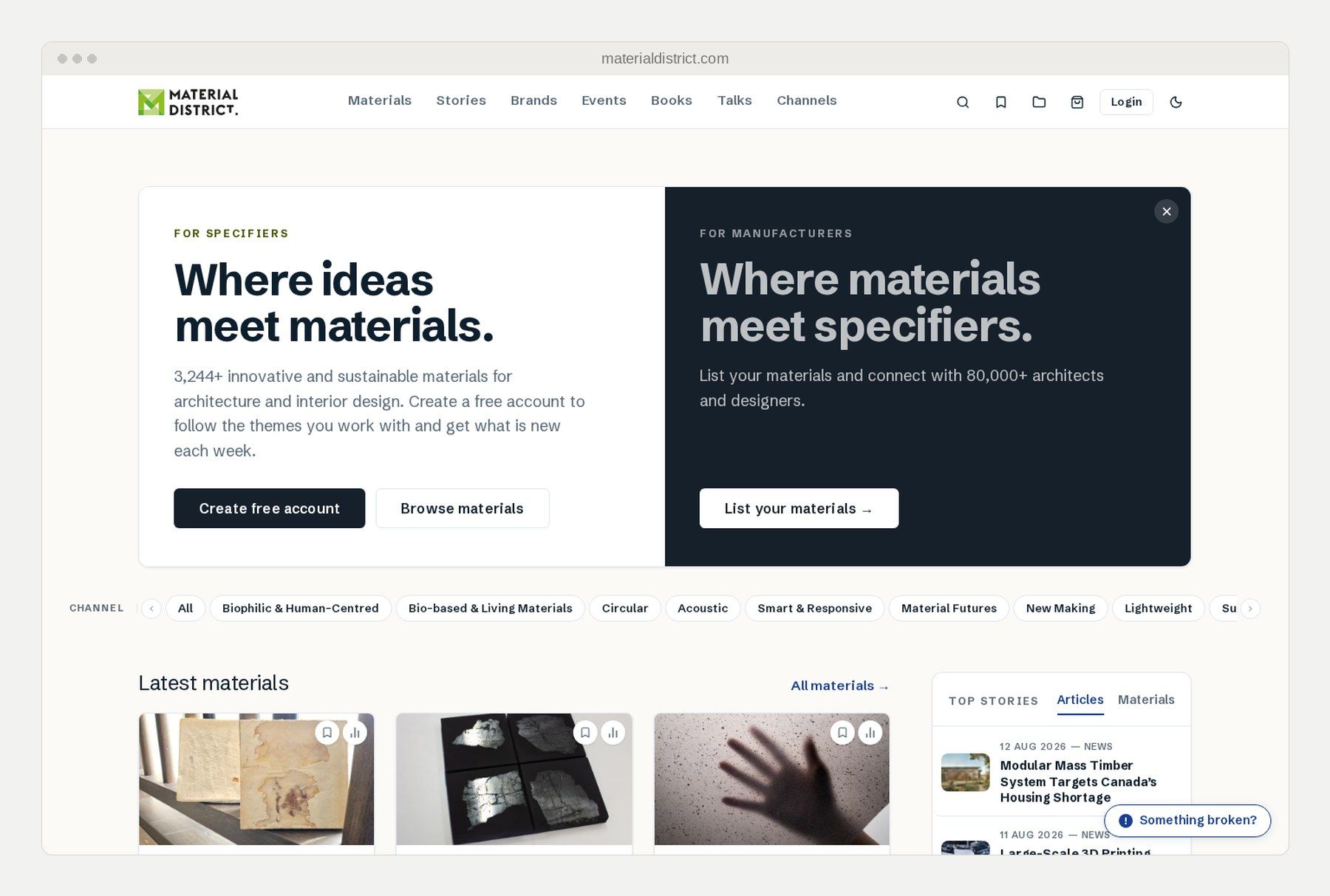
MaterialDistrict is a Netherlands-based innovation platform for architecture and interior design. It catalogs 3,200+ innovative and sustainable materials, free to explore.
- Best for: finding new and sustainable materials.
- Key features: a searchable database of material innovations.
- Access & geography: free to explore, in the company's own words.
- Watch out for: it is a materials database rather than a sampling service, so it is where you go to find an unusual material, not to order it.
6. Material ConneXion
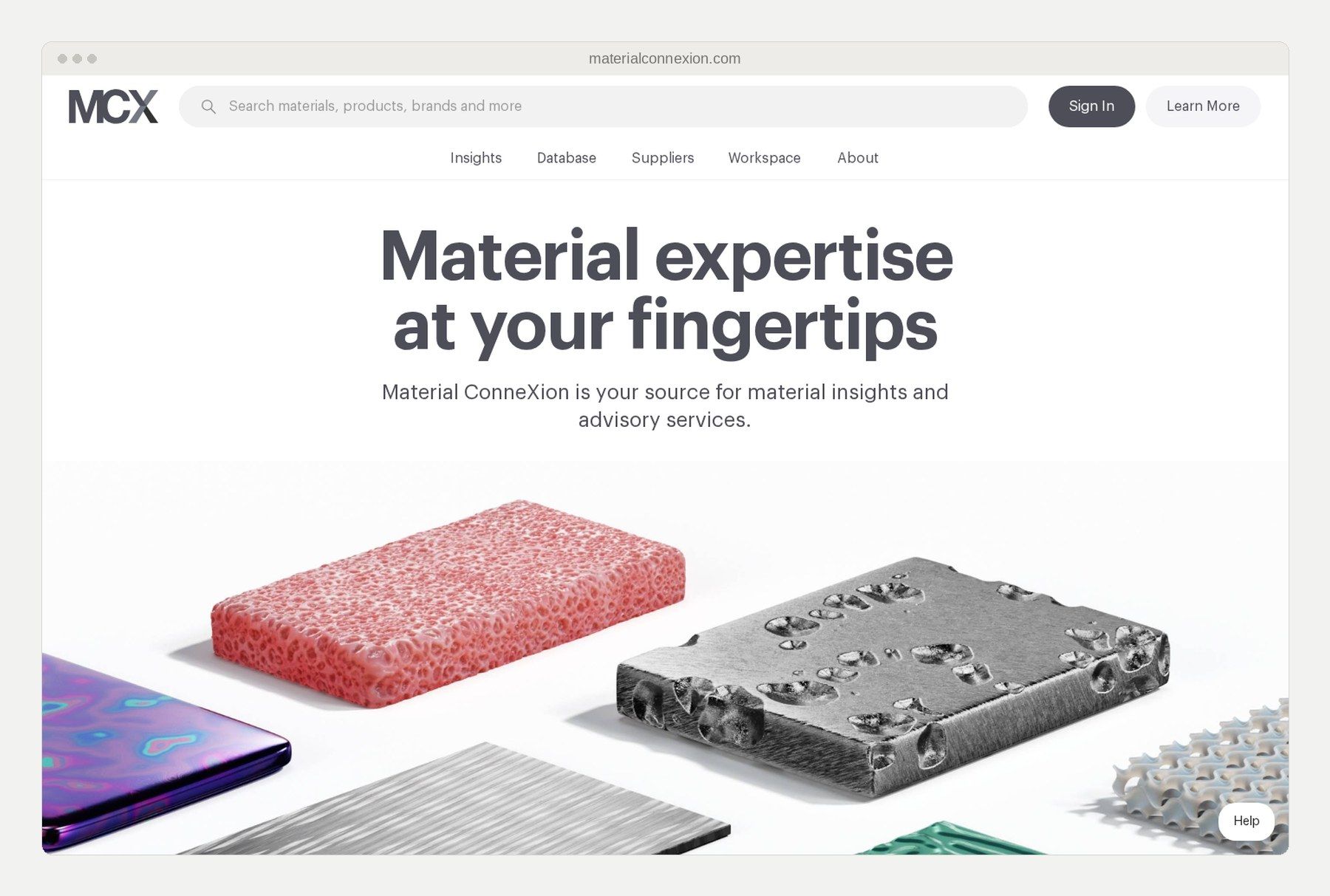
Material ConneXion combines a physical materials library with a materials consultancy, and describes what it offers as material insights and advisory services.
- Best for: studios that want expert consultation on material science.
- Key features: curated physical library plus advisory services.
- Access & geography: library content is subscription-gated; physical samples live at their library locations.
- Watch out for: the subscription is a real barrier for solo designers and small firms. This is a research institution more than a daily ordering system.
7. DesignShop (by Material Bank)
DesignShop is Material Bank's own consumer sampling platform. It mirrors the professional service, with overnight shipping, but drops the credential requirement.
- Best for: consumers, students, and uncredentialed studios that want Material Bank's logistics.
- Key features: overnight sample shipping without a trade gate. A separate DesignShop PRO tier is free to join for vetted residential trade professionals and takes 20% off samples, with free overnight delivery on orders over $25.
- Access & geography: no trade credentials required on the consumer platform, though PRO adds its own vetting. Overnight delivery runs throughout the contiguous US.
- Watch out for: samples cost money either way. PRO discounts them, it does not make them free, and the vetting it asks for is a gate of its own.
Which platform fits your studio?
- Solo residential designer: you need visual speed without overhead. Building a 3D material board and working up the schedule in the same platform beats waiting on deliveries for every concept round. Our guide to mood boards walks through that workflow. Clients can also leave feedback as text on the board rather than in a separate email thread.
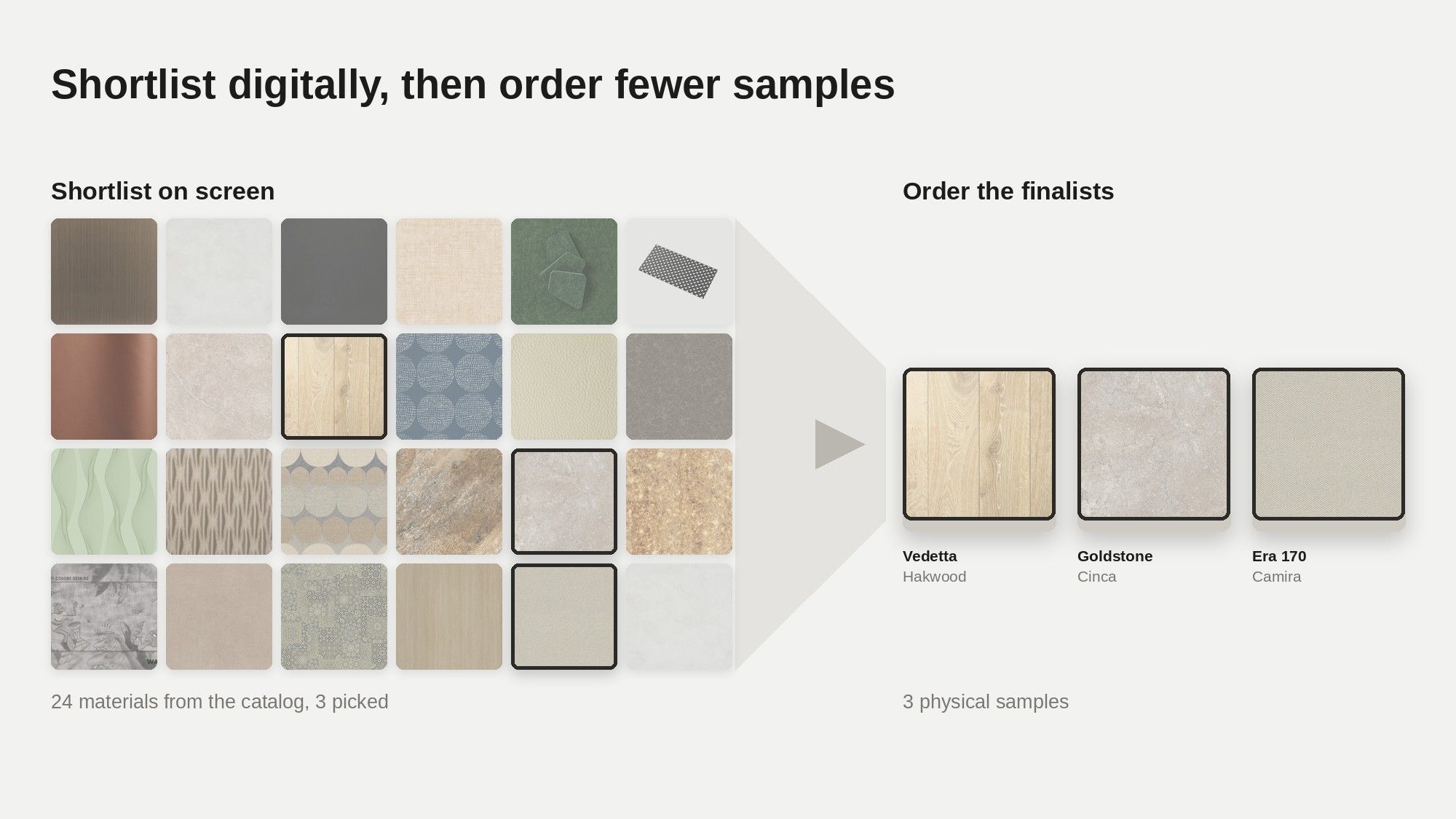
- Mid-size A&D firm speccing daily: run a hybrid. Shortlist digitally with Matter AI, set the board background to the mood you are working to and check the finishes against it, then order physical samples of the finalists only.
- Architect verifying physical finishes: Swatchbox, if you are in its service area. Two days gets real texture into your hands, free.
- Designer outside the US and Europe: Material Bank's two platforms do not serve you, and from Hong Kong we could not even reach its site when we checked. A browser-based, digital-first platform is the route that works, which is why we built ours that way.
How to choose a material sourcing platform
Five checks before you commit to any material sourcing platform:
- Check the access requirements against your credentials.
- Confirm it serves or ships to your region.
- Decide whether this project phase needs digital shortlisting or physical verification.
- Trace the path from concept board to final specification. If the platform hands you a static document at the end, you will re-type it later.
- Count the full cost: subscriptions, per-sample fees, and the billable hours your team spends waiting on boxes.
Material Bank alternatives: FAQ
Is Material Bank free to use?
Yes, for credentialed architecture and design professionals: samples and shipping are free, and the company advertises next-day delivery. The platform is exclusively for A&D professionals, so consumers, students, and non-credentialed users are directed to DesignShop, Material Bank's consumer arm, where samples are paid.
Can designers outside the US use Material Bank?
Material Bank operates a US platform and a separate European platform. Designers outside those two footprints sit outside its service area, and when we checked in August 2026 we found no Material Bank service for our own region. Browser-based digital platforms work anywhere, which makes them the practical route.
What is the difference between digital and physical material sampling?
Physical sampling ships a real swatch to your desk, which final hand-feel and color verification still require. Digital sampling renders materials photorealistically on screen, in 3D, so you can shortlist in minutes. The efficient workflow is digital shortlist first, then order far fewer physical samples.
Bottom line
For free physical swatches, Swatchbox. For premium product research, Architonic. For materials innovation, MaterialDistrict or Material ConneXion. And if you want a digital-first path from sourcing to specification that works wherever your studio happens to be, that is the job we built Matterbase to do. Shortlist on screen first, order fewer boxes, and keep the spec data attached to the board from day one.